
You're on short final into a busy Class D airport, the tower clears you to land, then the wind shifts and a warning light catches your eye. That's the moment workload management stops being theory and becomes the difference between staying ahead of the aircraft and chasing it. Good pilots don't wait for calm air to make good decisions, they build habits that hold up when the cockpit gets loud, the radios stack up, and the scan starts to slip. For student pilots, that starts on the ground and carries all the way through a demanding arrival into a place like Chino Airport, where traffic, radio work, and real airspace force you to stay organized from the first call to the shutdown.
workload planning with Fluidwave
Table of Contents
- 1. Master the Aviate, Navigate, Communicate Priority Pyramid
- 2. Turn Checklists into Muscle Memory with Cockpit Flows
- 3. Fly Like a Crew, Even When Solo
- 4. Make the Autopilot Your Co-Pilot, Not Your Replacement
- 5. Train for Overload with Simulators
- 6. Win the Battle on the Ground with Strategic Preflight Planning
- 7. Leverage Your CFI for Direct Workload Coaching
- 7-Point Comparison of Pilot Workload Management Strategies
- From Overwhelmed to in Command
1. Master the Aviate, Navigate, Communicate Priority Pyramid
The cleanest workload management strategy in aviation is the oldest one, Aviate, Communicate. Fly the airplane first. Keep the wings level, the airspeed right, and the attitude under control before you start answering every radio call or trying to solve every new problem at once. That order matters because a pilot who gets fixated on the frequency can lose the airplane in a hurry.
Use the hierarchy under pressure
A VFR example is simple. You're entering downwind, a passenger asks a question, and tower gives a late traffic advisory. The right move is not to answer everything in real time. Set the aircraft, keep scanning, and then respond when the cockpit is stable enough to spare the attention.
An IFR example is even more unforgiving. If the airplane starts wandering while you're heads-down in the GPS, the fix is not more programming. Get stable, confirm the flight path, then clean up the navigation issue. That mental discipline is what keeps a small distraction from becoming a chain of mistakes.
Practical rule: If control is degrading, stop talking. If navigation is uncertain, simplify. If both are solid, then communicate.
The value here is not just emergency handling. It also keeps routine training flights from turning messy. Students often try to be “helpful” by answering ATC instantly, checking the checklist too early, or reaching for the next task before the current one is done. Good cockpit habits work the other way. They protect the basic flying task first, then layer everything else on top.
When the workload rises, the pyramid gives you a script. That script is why experienced pilots can sound calm even when the cockpit is not. They're not reacting faster, they're prioritizing better.
2. Turn Checklists into Muscle Memory with Cockpit Flows
Checklists are verification tools, not the place where you discover what to do next. The work should already be half-finished by the time the checklist comes out. A cockpit flow gives you a repeatable physical pattern, so your hands and eyes move through the same setup every time before you confirm it line by line.
For training airplanes like a Piper Cherokee or Cessna 150, that means building a logical sweep that matches the cockpit layout. Fuel, switches, trim, mixture, flaps, lights, and instruments should follow a pattern you can perform without guessing. The point is to reduce heads-down time and stop wasting mental energy searching for the next switch.
Build the flow around the phase of flight
Startup should feel different from runup, and runup should feel different from shutdown. That's normal. A good flow is tied to the way the aircraft is configured, not to a random memory trick. If the flow is consistent, the checklist becomes a final cross-check instead of a crutch.
The trade-off is simple. A flow saves time and reduces hesitation, but only if it's disciplined. A sloppy flow creates false confidence. Students who rush through the motion and then skip the checklist are not saving workload, they're borrowing trouble.
The best flows are boring. They're the same every time, and that's the point.
A practical way to build this is to brief the flow out loud during training, then fly the same sequence on every lesson until it feels automatic. In the cockpit, that consistency pays off when taxi instructions change, a passenger asks a question, or a departure gets amended at the last second. You're not trying to think your way through every switch. You're trying to execute a familiar pattern and preserve bandwidth for the changing parts of the flight.
For students, the win is confidence. For current pilots, the win is fewer surprises. In both cases, the cockpit gets quieter because the routine work is no longer competing for attention.
3. Fly Like a Crew, Even When Solo
Single-pilot flying can trick people into thinking they have to handle everything on their own. That's a mistake. Single-Pilot Resource Management, or SRM, adapts crew habits for one pilot, so you still benefit from cross-checks, callouts, and task sharing even when nobody else is in the cockpit. The idea is simple, you build a virtual crew around yourself.
A strong place to start is Crew Resource Management, because the logic behind teamwork still applies when you're the only rated pilot on board. Talk through your plan before takeoff. Brief your approach to yourself. Say the next altitude, the next waypoint, or the next expected call aloud if it helps keep the scan organized.
Use your tools like a second set of hands
ForeFlight, ATC, your headset, the autopilot, and the aircraft's own systems are part of the workload picture. They're not decorations. If you use them deliberately, they extend your capacity. If you ignore them, or use them casually, they become extra clutter.
A practical example is a solo cross-country with weather building faster than planned. The pilot who stays effective doesn't try to “tough it out” mentally. That pilot checks fuel, verifies the next airport, confirms the clearance or divert option, and speaks the plan out loud before the problem gets bigger. That verbal process creates structure when stress starts eating attention.
A few habits help:
- Self-brief the next phase: Say what comes next before the airplane gets there.
- Call out threats early: Weather, traffic, fuel, fatigue, or navigation confusion should be named early.
- Use ATC strategically: Ask for clarification before uncertainty becomes workload overload.
- Keep the cockpit organized: Charts, radios, and tablets should have a place before the flight starts.
The point of SRM is not to make solo flying feel easy. It's to make it manageable. Good solo pilots think like crews because they know the airplane won't care how many people are on board. It only cares whether the pilot is ahead of the next task or buried under it.
4. Make the Autopilot Your Co-Pilot, Not Your Replacement
Automation can cut workload fast, but only if you understand what it's doing and why. A modern autopilot should be treated like a hired hand, not a replacement for judgment. It can free you up to handle navigation, radio work, and system monitoring, but it can also distract you if you don't stay mode-aware.
That's why strong pilots stay involved. They know when to let the airplane fly itself and when to take back the controls. If the workload is mostly communication or programming, automation may be the right tool. If the airplane is in a phase that demands hands-on awareness, hand-flying may be the better choice.
Keep mode awareness high
Mode confusion is a real cockpit trap. A pilot thinks the aircraft is tracking one command, but the system is doing something else. That's how a small input turns into a bigger deviation. The fix is not more faith in the autopilot. It's better verification, cleaner programming, and a habit of checking what the system is armed to do.
A good rule is to use automation to reduce routine workload, not to disconnect from the flight. Program the system carefully, confirm the mode, and monitor the result. If the airplane starts doing something unexpected, don't keep feeding it inputs while hoping it will sort itself out.
The same principle applies to flight management systems. They're excellent tools when you know the logic behind them, but they can also pile on workload if the pilot is trying to learn them in the middle of a busy phase of flight. That's why training should include deliberate practice with mode changes, route edits, and reversion to manual flying.
A practical cockpit standard helps here:
If you can't explain the mode in one sentence, you probably need to slow down and verify it.
Automation is best used as a workload buffer. It buys time, but it doesn't buy judgment. The pilot still owns the result. That mindset keeps the airplane from becoming a screen-management exercise and keeps the pilot in charge of the actual flight path.
5. Train for Overload with Simulators
The best time to experience a complex failure is when the aircraft is parked and nobody is in danger. A simulator gives you the chance to rehearse overload without real-world consequences. That's where you learn how your brain behaves when an engine failure, a navigation issue, or an instrument approach all show up at once.
A good session should be specific, not casual. Practice an engine failure on an approach. Practice a missed approach when ATC changes the clearance late. Practice a radio failure or a distracted passenger scenario. The goal is to build procedural confidence so the cockpit doesn't feel like the first time your workload spikes.
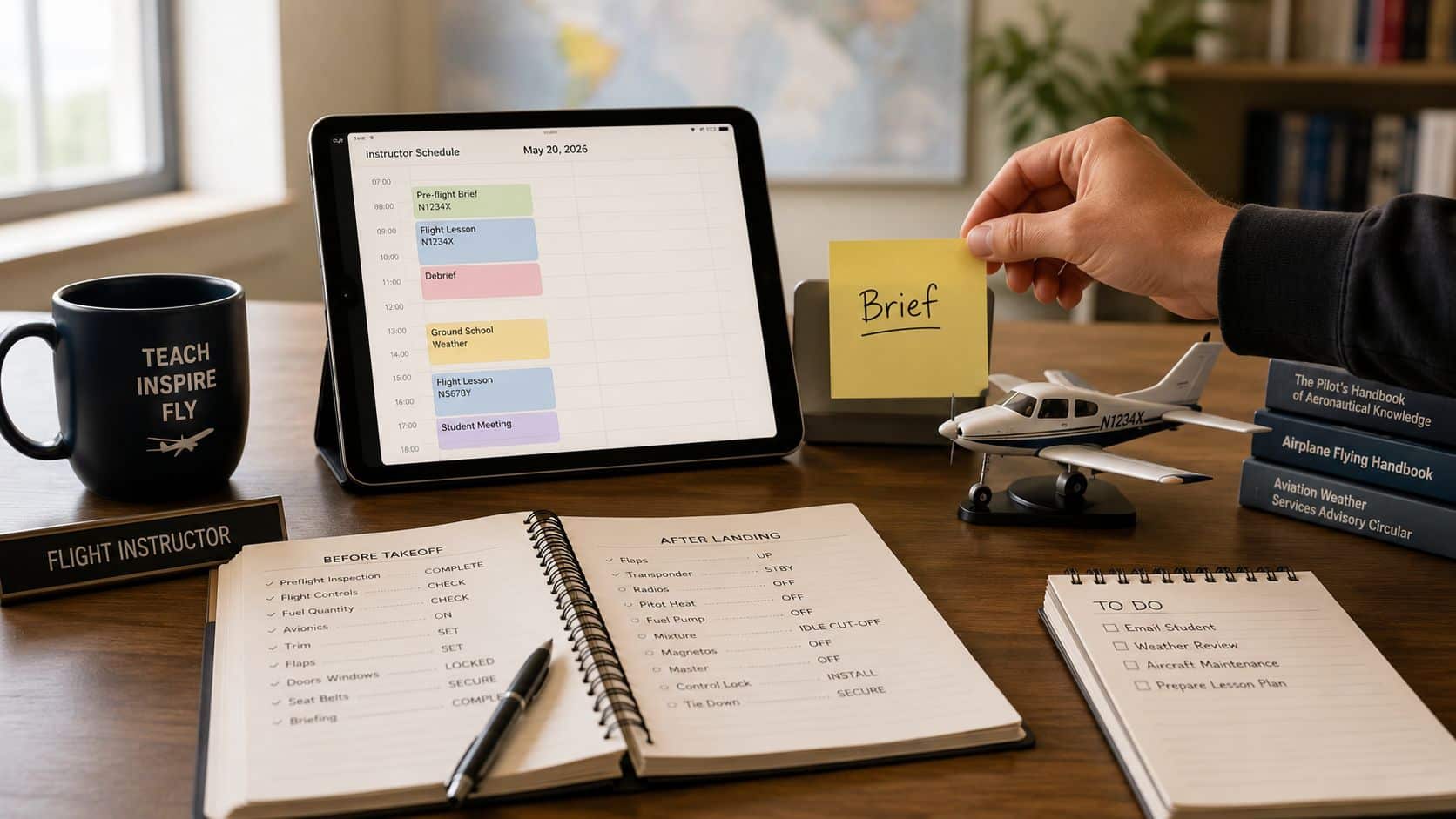
Make the simulator feel like a real lesson
At a place like the simulator training center, the value isn't just procedural repetition. It's the chance to make mistakes, pause, reset, and try again with a clear head. That's where workload tolerance grows. You stop treating every surprise as a crisis and start treating it as a task to manage.
The right simulator drill includes verbal callouts, checklist discipline, and realistic task loading. Don't just “fly the boxes.” Add radio work, weather decision-making, and time pressure. If the session stays too easy, it won't transfer to the actual airplane.
A simple debrief question after each run is, “What did I stop doing when the workload rose?” That answer matters. Many pilots discover they stopped scanning, forgot the flow, or got fixated on one panel. Once you know your pattern, you can correct it before it shows up in the aircraft.
Stress in training is useful when it's controlled. It's dangerous when it's unexpected.
For students, simulator work builds confidence before the checkride. For more advanced pilots, it keeps skills sharp and decision-making honest. A realistic simulator session is one of the few places where you can practice getting behind the airplane, then practice getting back ahead of it without consequences.
6. Win the Battle on the Ground with Strategic Preflight Planning
Workload management starts before engine start. A rushed preflight almost always shows up in the air as a busy, reactive flight. If the weather brief is sloppy, the route is half-planned, or the weight and balance is guessed at, the cockpit inherits that mess. Good ground planning gives you margin before the wheels even move.
That starts with the basics, weather, route, fuel, performance, documents, and aircraft status. Each item should be checked with enough time to think, not just enough time to sign off. The pilot who plans early has more room to adjust if the day changes, and aviation rarely stays exactly on script.
Make the preflight boring on purpose
The best ground routine is methodical. Review the forecast, check the actual conditions, study the departure and arrival, and make sure the aircraft paperwork is current. If the route is long or the airspace is complex, build in time for route cleanup and alternate planning before you taxi. That way the cockpit becomes a place for execution, not invention.
This is also where capacity thinking matters. Smartsheet defines capacity as “Available Hours – Nonproductive Time”, and Monday.com recommends multiplying team members by available productive hours before adjusting for skill and task complexity Smartsheet workload management guidance, Monday.com workload management planning. In pilot terms, that means don't plan the flight around theoretical time. Plan around the time you have after paperwork, weather, maintenance, and human fatigue are accounted for.
A practical preflight rhythm looks like this:
- Weather first: Know what changed since the last flight planning session.
- Route second: Verify the safest and most efficient path, not just the shortest one.
- Aircraft third: Confirm limits, documents, and any deferred maintenance items.
- Mental bandwidth last: Decide whether you're fit to fly with enough margin left for surprises.
A disciplined ground game leaves more mental room in the air. That matters at a busy airport where taxi instructions, runway changes, and traffic sequencing can eat attention fast. If the planning is clean, the pilot can spend the flight flying, not catching up.
7. Leverage Your CFI for Direct Workload Coaching
A Certified Flight Instructor should do more than sign off maneuvers. A good CFI watches how you manage attention, not just how you fly the headings. That means asking for feedback on task saturation, cockpit organization, and how you respond when the airplane, the radio, and your own mental load all demand attention at once.
The best debriefs get specific. Don't ask only whether the maneuver was safe. Ask where you got slow, where you got fixated, and which step in the flow broke down first. That information is gold because workload problems often show up before handling problems do.
Ask better questions after every flight
A strong debrief can include questions like, “When did I start getting behind?” and “What task should I have delayed?” Those questions push the discussion beyond stick-and-rudder performance and into real cockpit discipline. They also help your instructor design more useful scenarios on the next lesson.
A good instructor will stretch you without dumping you. That means adding enough complexity to expose weak spots, but not so much that learning stops. A late clearance, an unexpected go-around, or a more crowded pattern can reveal whether you're managing workload or just surviving the moment. That's useful training when it's done on purpose.
Ask your instructor to judge your scan, not just your landing.
This kind of coaching is especially valuable for pilots training in busy towered airspace. A flight at a place like KCNO forces real radio discipline, real sequencing, and real decision-making from day one. That environment exposes workload habits fast, which is exactly why it builds strong pilots when the instruction is focused.
The point is not to become perfect in one lesson. The point is to build a repeatable habit of noticing when workload rises, naming the problem early, and correcting it before the flight gets sloppy. That's how students turn into pilots who can handle the airplane, the radios, and the unexpected without falling apart.
7-Point Comparison of Pilot Workload Management Strategies
| Strategy | Implementation Complexity 🔄 | Resource Requirements ⚡ | Expected Outcomes ⭐ / 📊 | Ideal Use Cases 💡 | Key Advantages |
|---|---|---|---|---|---|
| 1. Master the "Aviate, Navigate, Communicate" Priority Pyramid | Low 🔄, simple hierarchy to internalize | Minimal ⚡, knowledge & practice | ⭐⭐⭐⭐, clearer priorities, fewer critical errors 📊 | Emergencies, high-stress VFR/IFR moments | Immediate, universal, reduces panic |
| 2. Turn Checklists into Muscle Memory with Cockpit Flows | Moderate 🔄, requires repetition and habit | Low–Moderate ⚡, flight time, brief training | ⭐⭐⭐⭐, faster cockpit scans, less heads-down time 📊 | Startup, pre-takeoff, approach/landing routines | Speeds operations; frees cognitive bandwidth |
| 3. Fly Like a Crew, Even When Solo: SRM | Moderate 🔄, behavioral change and verbalization | Low ⚡, tools (apps/ATC) + practice | ⭐⭐⭐⭐, better decisions, fewer missed cues 📊 | Solo IFR, busy airspace, cross-country flights | Extends resources; creates a "virtual crew" |
| 4. Make the Autopilot Your Co‑Pilot, Not Your Replacement | Moderate–High 🔄, mode awareness & procedures | High ⚡, avionics, training, proficiency | ⭐⭐⭐⭐, sustained workload reduction; mode-risk if misused 📊 | Long cruises, IMC, complex nav segments | Precise control and task delegation when monitored |
| 5. Train for Overload: Using Simulators to Build Resilience | High 🔄, structured scenarios and debriefing | High ⚡, simulator access, instructor time | ⭐⭐⭐⭐⭐, improved emergency handling and resilience 📊 | Engine failures, IMC failures, high-workload emergencies | Safe practice of worst-case scenarios; builds mental stamina |
| 6. Win the Battle on the Ground: Strategic Preflight Planning | Low–Moderate 🔄, disciplined time management | Low ⚡, planning tools, time allocation | ⭐⭐⭐⭐, fewer in-flight surprises; smoother flights 📊 | All flights; complex routings and weather-sensitive trips | Prevents rushed starts; preserves in-flight bandwidth |
| 7. Leverage Your CFI for Direct Workload Coaching | Low–Moderate 🔄, structured feedback cycles | Moderate ⚡, instructor contact, debrief time | ⭐⭐⭐⭐, targeted improvement; faster skill acquisition 📊 | Training syllabi, targeted weaknesses, scenario practice | Personalized critique; scenario design to push limits |
From Overwhelmed to in Command
Workload management is a trainable skill, not a personality trait. The cockpit rewards pilots who build a system, stick to it, and keep improving it when the environment gets busy. The strategies that matter most are the ones that reduce chaos before it starts, whether that's a disciplined preflight, a clean cockpit flow, or a better debrief with your CFI.
The numbers outside aviation point in the same direction. Only 18% of people report having a proper time-management system, and the Eisenhower Matrix stood out as the most successful technique in that research, with 100% of users saying their work felt under control 4 or 5 days a week Acuity Training's time-management research. That lines up with what pilots already know. A clear priority structure works better than reacting to every task that shows up, and it's especially useful when the cockpit starts asking for more than one thing at once.
The same idea shows up in workload automation and capacity planning. 81% of respondents reported more monthly workload automation jobs over the prior year, which tells you that mature organizations aren't backing away from structured control, they're leaning into it BMC's workload automation research. Aviation works the same way. Better systems don't replace the pilot, they support the pilot so the right decision gets made at the right time.
Start with one change on your next flight. Use a stronger preflight brief, tighten your cockpit flow, or ask your instructor to critique your task management as closely as your landings. In a demanding training environment, those habits stack up fast, and they're what turn a busy flight into a controlled one.
DuBois Aviation builds those habits into real training at Chino Airport, where busy radio work, tower procedures, and real-world decision-making are part of everyday flying. If you want one-on-one instruction, simulator practice, or a training plan that treats workload management as a core cockpit skill, visit DuBois Aviation and start building the discipline that keeps you ahead of the airplane.