
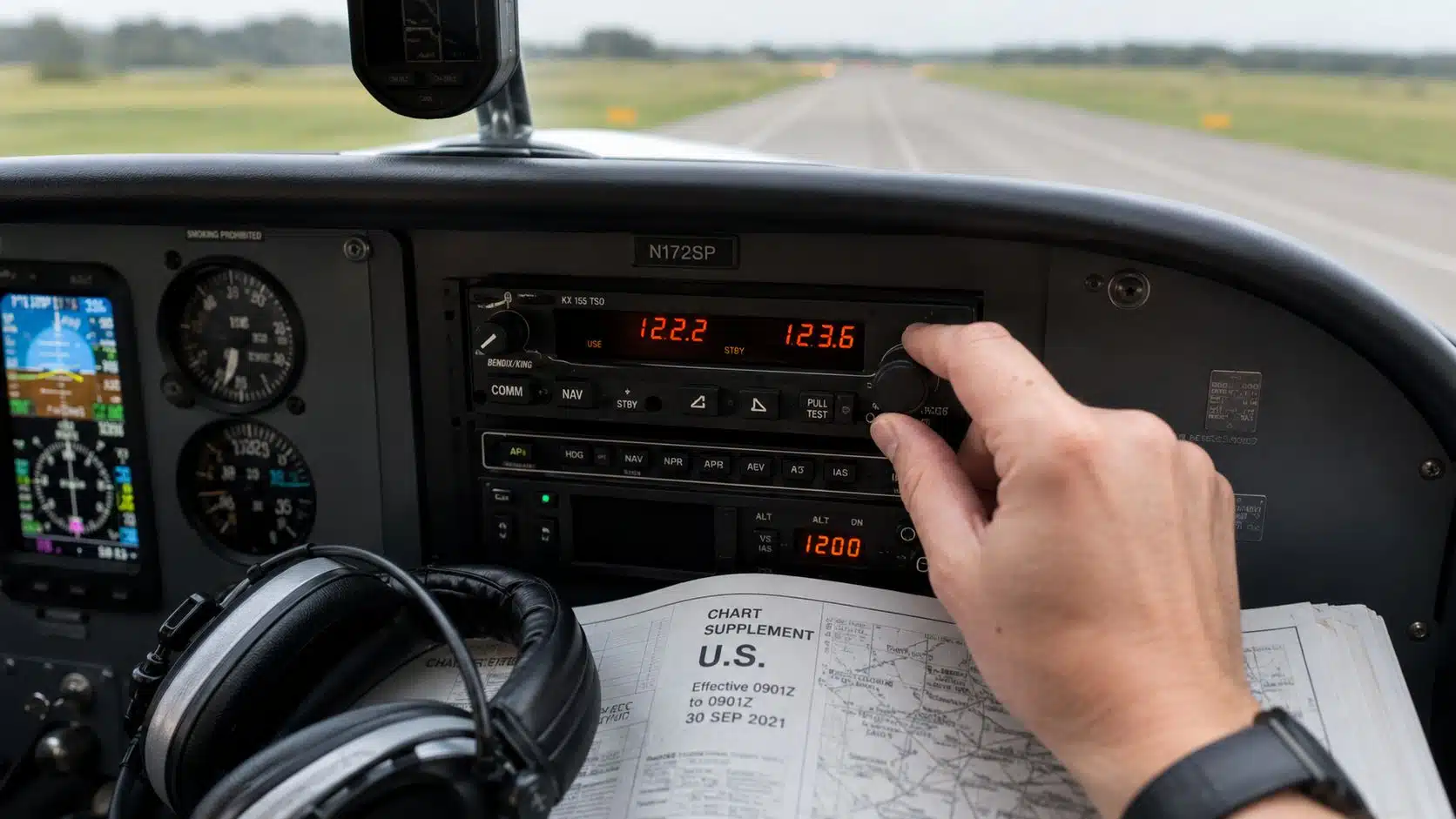
Instrument training increases cockpit workload. The best equipment setup is one you can operate without breaking your scan or searching through a disorganized flight bag. Before the first lesson, ask your instructor which view-limiting device, charts, planning format, and electronic tools will be used in your course.
View-limiting device
Simulated-instrument training requires a device that limits the pilot’s outside view while allowing an effective instrument scan. Fit matters: the device must work with your headset and any corrective lenses without creating painful pressure or slipping during maneuvering.
Foggles Aviation IFR Training Glasses
A simple view-limiting device used during simulated-instrument training with an appropriately qualified safety pilot or instructor.
Two practical options worth comparing
These are specific products pilots commonly compare for this type of flying. Confirm compatibility with your aircraft and instructor before ordering.
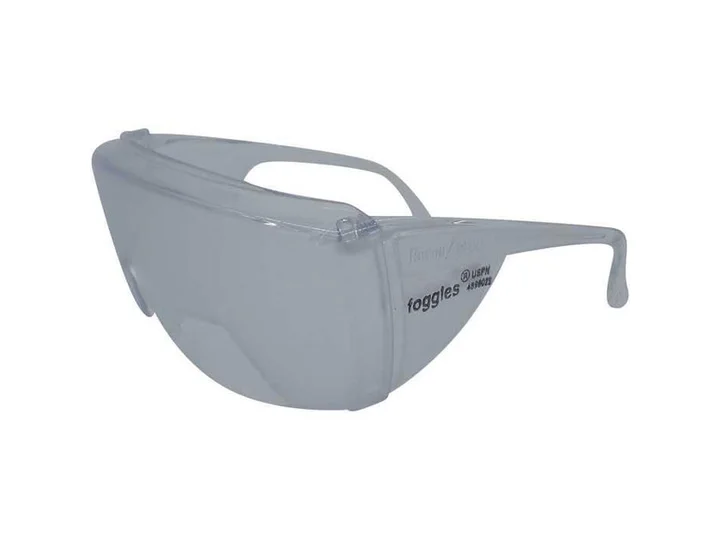 Instrument trainingFoggles Aviation IFR Training GlassesCheck current availability on Amazon (paid link)
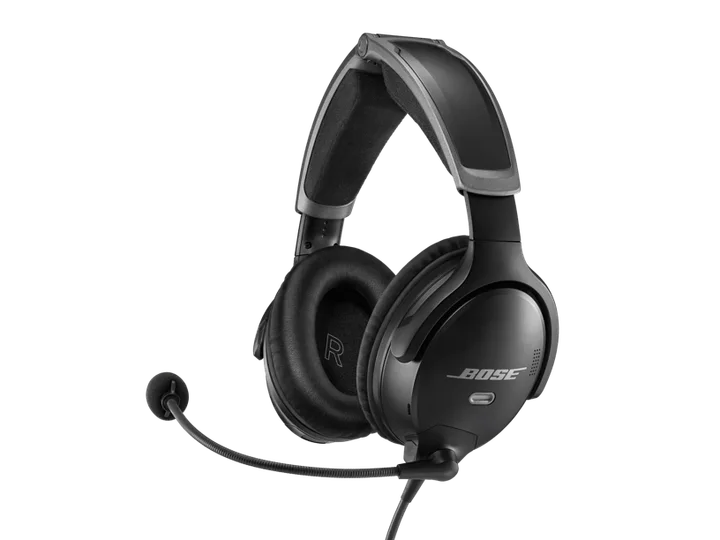 Premium headsetBose A30 Bluetooth Aviation Headset - Dual PlugCheck current availability on Amazon (paid link)
Best for: Instrument students and pilots maintaining simulated-instrument experience
View this exact product on Amazon (paid link)Clear communications
Instrument lessons involve frequent clearances, readbacks, approach briefings, and rapid changes. A properly adjusted headset and microphone support communication, but no headset replaces disciplined listening and concise radio technique.
Bose A30 Bluetooth Aviation Headset - Dual Plug
A lightweight active-noise-reduction option for pilots who fly frequently and value comfort on longer lessons and cross-countries.
Best for: Career students, instructors, and frequent flyers
View this exact product on Amazon (paid link)Planning and cockpit organization
- Current charts and approach information in the selected paper or electronic format
- A flight-planning method understood before entering the airplane
- Aircraft checklist and applicable operating handbook
- Two writing tools and an organized way to copy clearances
- Charging cables and a realistic backup-power plan
- A non-electronic backup appropriate to the flight
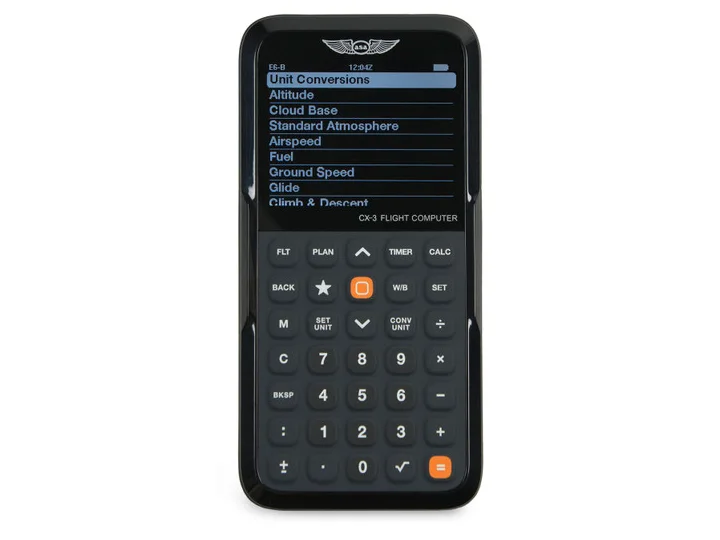
ASA CX-3 Flight Computer
An electronic aviation flight computer for common planning calculations, conversions, wind problems, and performance work.
Best for: Students preparing flight plans and knowledge-test calculations
View this exact product on Amazon (paid link)Test everything on the ground
Configure tablet orientation, chart downloads, screen brightness, and mount position before engine start. Verify the mount does not obstruct controls or instruments. Know where missed-approach information, frequencies, minimums, and airport diagrams are located before flying an approach.
If you are ready to begin, review the DuBois Aviation instrument rating course or request instrument training information.