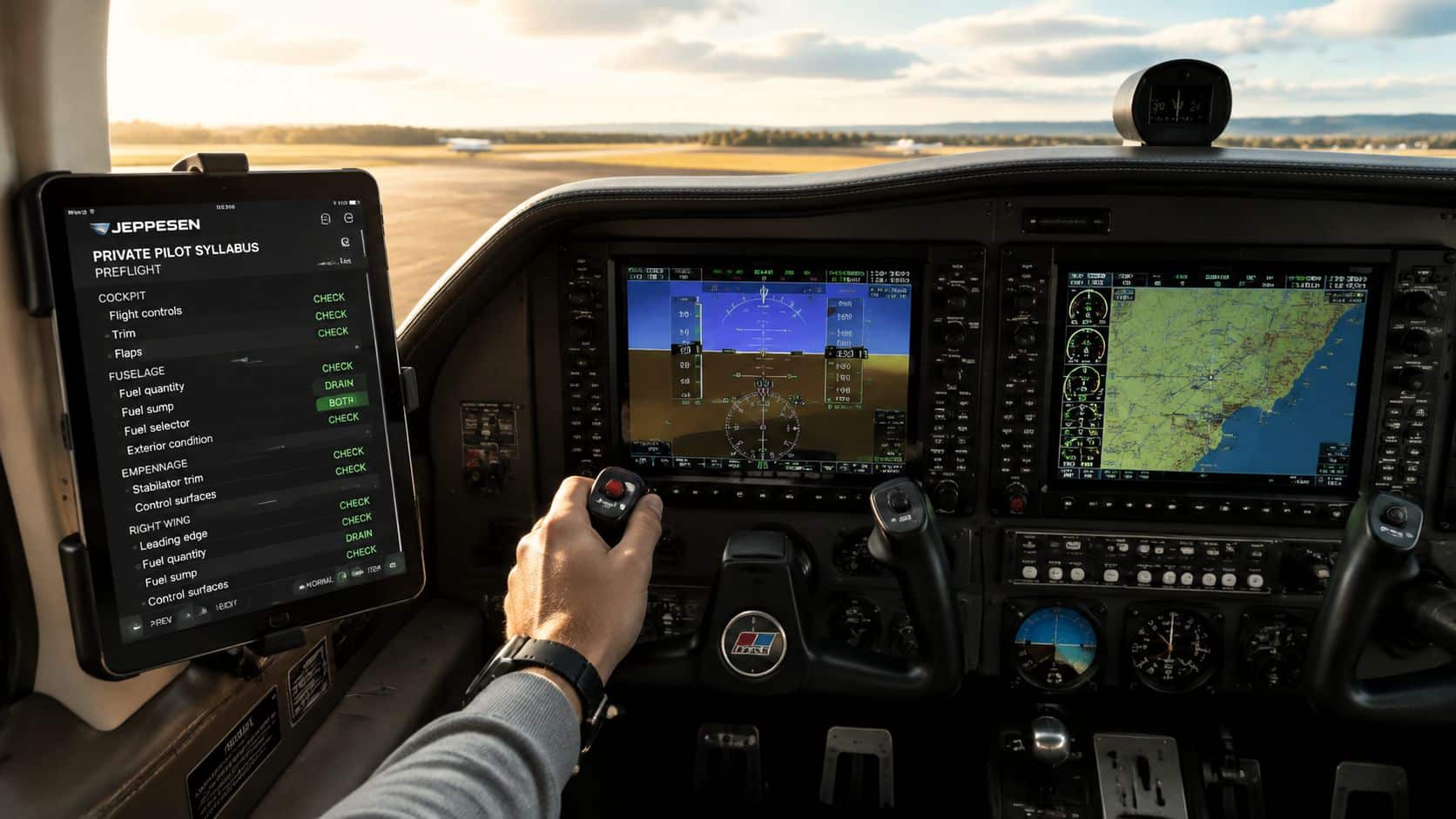
An iPad can organize charts, airport information, weather, and navigation tools, but only when it is positioned without interfering with the airplane. The right mount depends on the cockpit, the tablet size, the pilot’s seating position, and whether the controls can move through their entire range.
Why many pilots choose the iPad mini
The compact iPad mini fits general-aviation cockpits more easily than many larger tablets. Pilots who want the tablet to provide its own compatible GPS capability often compare Wi-Fi and Cellular models rather than Wi-Fi-only versions. Aviation-app subscriptions and any required data services are separate.

Apple iPad mini A17 Pro, Wi-Fi and Cellular, 128GB
The compact cellular iPad format fits many general-aviation cockpits while providing built-in GPS capability for compatible aviation apps.
Two practical options worth comparing
These are specific products pilots commonly compare for this type of flying. Confirm compatibility with your aircraft and instructor before ordering.
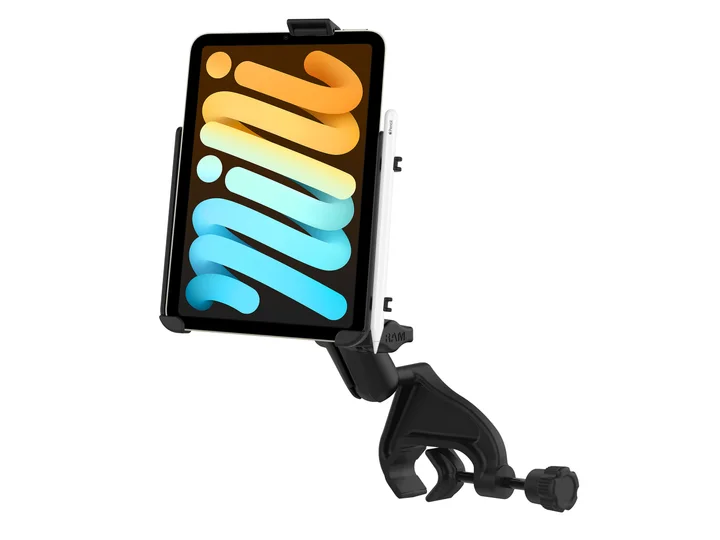 Cockpit mountRAM EZ-Rollr iPad mini Yoke Mount for iPad mini 6 and 7Check current availability on Amazon (paid link)
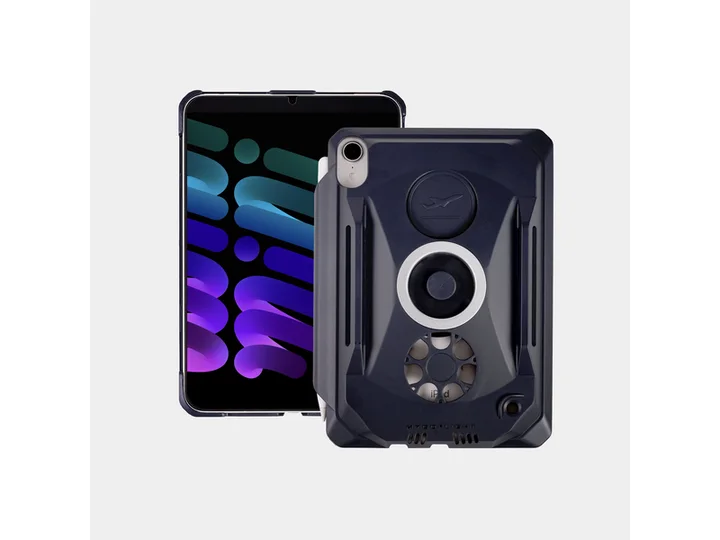 Pilot kneeboardMyGoFlight Kneeboard and Mountable Case for iPad mini 6 and 7Check current availability on Amazon (paid link)
Best for: Pilots who use an electronic flight bag in smaller cockpits
View this exact product on Amazon (paid link)Yoke mount: easy to see, but verify clearance
A yoke mount can keep the display close to the normal instrument scan. Before flying, move the yoke fully forward, aft, left, and right and confirm that neither the mount nor tablet contacts the panel, controls, switches, legs, or other equipment. Confirm the added weight does not affect smooth control movement.
RAM EZ-Rollr iPad mini Yoke Mount for iPad mini 6 and 7
A yoke-mounted solution that keeps an iPad mini visible and helps reduce loose equipment in the cockpit.
Best for: Aircraft where a yoke mount does not obstruct controls or instruments
View this exact product on Amazon (paid link)Kneeboard: compact and easy to move
A kneeboard can work well when a yoke mount is unsuitable or when a renter needs a setup that transfers quickly between aircraft. The tradeoff is that looking down can pull the pilot’s eyes farther from the outside view and instrument scan. Position it so it does not restrict control movement or emergency egress.
MyGoFlight Kneeboard and Mountable Case for iPad mini 6 and 7
A cockpit-friendly case that can be used as a kneeboard when a yoke or suction mount is not the best fit.
Best for: Students who prefer their tablet secured on the leg
View this exact product on Amazon (paid link)Preflight the electronic flight bag
- Download current charts and airport data before leaving reliable internet service.
- Charge the tablet and reduce unnecessary background applications.
- Confirm screen brightness works in both sun and darkness.
- Carry the charging cable and an appropriate backup power source.
- Know how to continue safely if the tablet overheats, freezes, or loses power.
Practice the setup on the ground with your instructor before relying on it in flight. Our fleet page can help you identify the airplanes used for training at DuBois Aviation.